Dedicated server management for teams that run their own metal
A dedicated server gives you more CPU, RAM and NVMe per dollar than any cloud instance. It also gives you a single machine that carries dozens of apps, so a sloppy setup costs more than on a small VPS. Deployment manages dedicated servers from Hetzner, OVH and any other bare metal provider the same way it manages a VPS: hardened base, isolated sites, zero-downtime releases, monitoring and backups that leave the box.
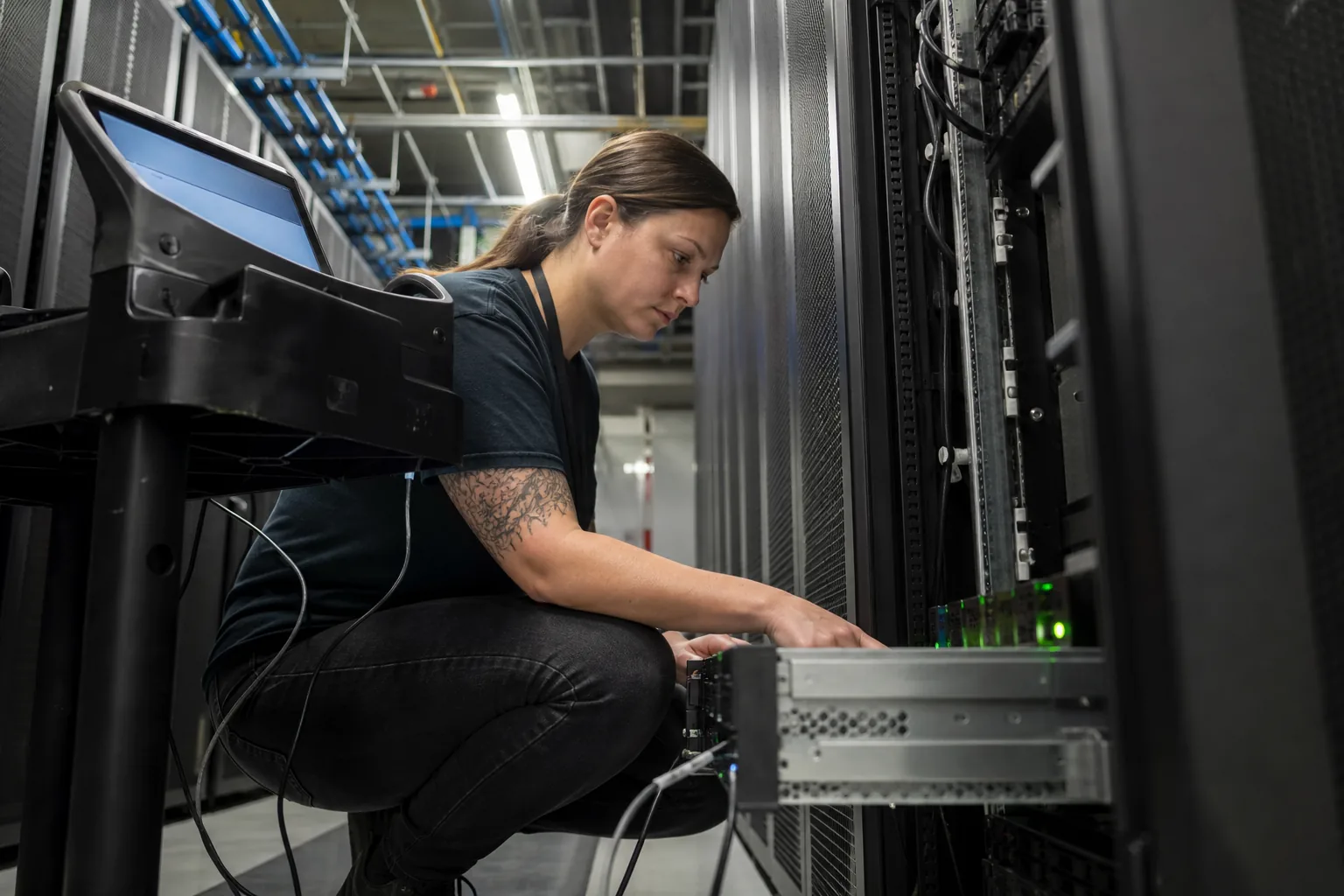
The trouble with a powerful box and no management
Bare metal is usually bought to consolidate. Twenty client sites, three internal tools and a database end up on one 64 GB machine. Without structure, that machine turns into the server nobody wants to touch: shared system users, one global PHP or Node version, crontabs edited in place, backups on the same disks that might fail. Traditional managed dedicated hosting fixes this with a support contract and a ticket queue, which is slow for teams that deploy every day.
Self-service dedicated server management
Deployment gives you the structure of a managed host while you keep root and the provider contract. Connect the machine with one command over SSH and it appears in the panel next to your cloud servers.
- Works with Hetzner dedicated and server auction machines, OVH and So you Start, Kimsufi and any provider that installs Ubuntu 22.04, Ubuntu 24.04 or Debian 12
- One Deployment SSH key per server, your own keys untouched
- Same panel, roles and audit log as your vps management
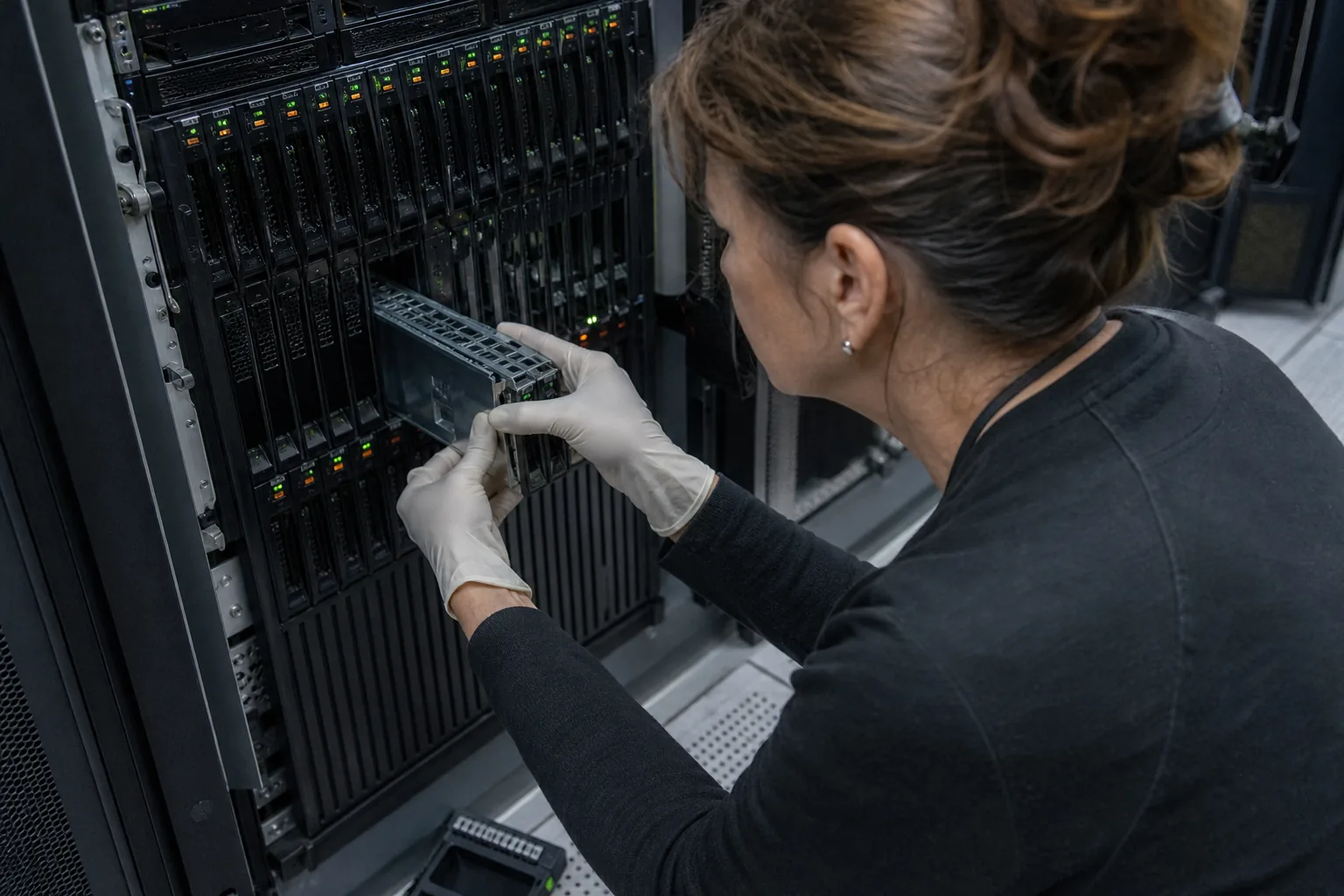
Many sites on one machine, cleanly separated
Consolidation only works when sites cannot hurt each other. Each site gets its own system user, its own release folders and its own runtime version, so a legacy PHP 8.1 shop and a new Next.js app can share the machine without sharing files or versions.
- One system user and home folder per site
- Runtimes per site: PHP 8.x, Node.js LTS, Python 3.x, Ruby, Go, Java 21, .NET 8 and Docker
- nginx or Caddy virtual hosts generated and kept in sync with your domains
- Free Let's Encrypt certificates for every domain and alias, renewed automatically
Use the hardware you pay for
Dedicated servers often idle because one runtime is tuned for a tiny VPS. Deployment lets you set worker counts, process managers and PHP-FPM pool sizes per site, and run queue workers and daemons under supervisor or systemd that restart on every deploy. Databases run on the same machine with users and grants per app, or on a second dedicated box with remote access limited to the IPs you allow.
- MySQL, MariaDB and PostgreSQL with per-app users and grants
- Redis for cache, sessions and queues
- Cron jobs per site, with output kept for review
Backups and alerts that assume the disk can fail
On bare metal, a failed disk or a mainboard swap is a matter of when. Backups therefore never stay on the server. Database dumps and file archives go on a schedule to your own S3-compatible bucket, with retention and one-click restore to the same or a new server. Monitoring watches CPU, RAM, disk usage and load, uptime checks watch every domain, and alerts reach you on email, Slack, Discord or a webhook.
Zero downtime releases on shared hardware
Every site deploys into a fresh release folder, passes a health check and switches by symlink. A deploy for one client never restarts another client's processes. Rollback is one click per site. Read more about zero downtime deployment and how teams deploy from git.
Moving from managed dedicated hosting
Moving from a host that manages the server for you is a site-by-site job. Connect the new machine, create the sites, copy the databases, point the repositories, deploy and test on a temporary domain, then switch DNS. Old and new can run in parallel until you are confident. The deployment platform docs walk through each step.
Stacks that run on a managed dedicated server
PHP and Laravel, WordPress, Node.js and Next.js, Django and FastAPI, Rails, Go, Spring Boot, ASP.NET Core, static sites and Docker Compose. Mixed stacks on one machine are the normal case, not the exception.
Which plan fits dedicated hardware
A single large server with many sites usually fits Team: 199 USD a month or 99 USD a month billed yearly, 15 servers, 100 sites, 10 team members. Agencies that host client portfolios on several machines pick Agency at 499 USD a month (249 USD yearly) with 60 servers and sites unlimited within them. Solo operators with one or two boxes start on Starter at 49 USD a month (24 USD yearly). All plans on PaaS pricing.
Is there a limit on the size of a dedicated server?
No. Plans count servers and sites, not cores, RAM or disk. A 256 GB machine counts as one server.
Can I use software RAID or my own partition layout?
Yes. Install the operating system the way you want, then connect the server. Deployment works on top of a standard Ubuntu or Debian install.
Do you replace the support of my hosting provider?
No. Hardware faults, network issues and reinstalls stay with your provider. Deployment manages the software layer, deploys, monitoring and backups.
Can I try Deployment before I pay?
Yes, with the free one-time demo on the home page. Plans start at 49 USD a month, or 24 USD a month billed yearly.
Bring order to your dedicated servers
Connect your first machine and give every site on it its own user, runtime and release history.
Want to check a repository first? Try the demo.
$ git push origin main
✓ build release 20261019-142210
✓ health check 200
✓ switch current 0.4 s
$